
Barcode & price labels
Check size, adhesive, print method, barcode layout and scanning conditions.
Sample catalogue: filter by material and use. Open a product to check pack size and print method.
Barcode, price and shelf labels work best when the printer, media and retail system are considered together. Start with your POS or EPOS platform, the label format and how staff use it at the counter or on the shop floor.
Check size, adhesive, print method, barcode layout and scanning conditions.
Confirm media dimensions, printer drivers and the connection supported by your EPOS software.
Scope how product, price and stock data reaches the label template, with support and replenishment around trading hours.
Do not assume so. Receipts and adhesive labels have different media requirements. Match the printer to the intended output and check its manufacturer specifications.
Compatibility is not confirmed by this prototype. A discovery review should establish your platform, supported drivers, interface, label format and barcode requirements before hardware is selected.
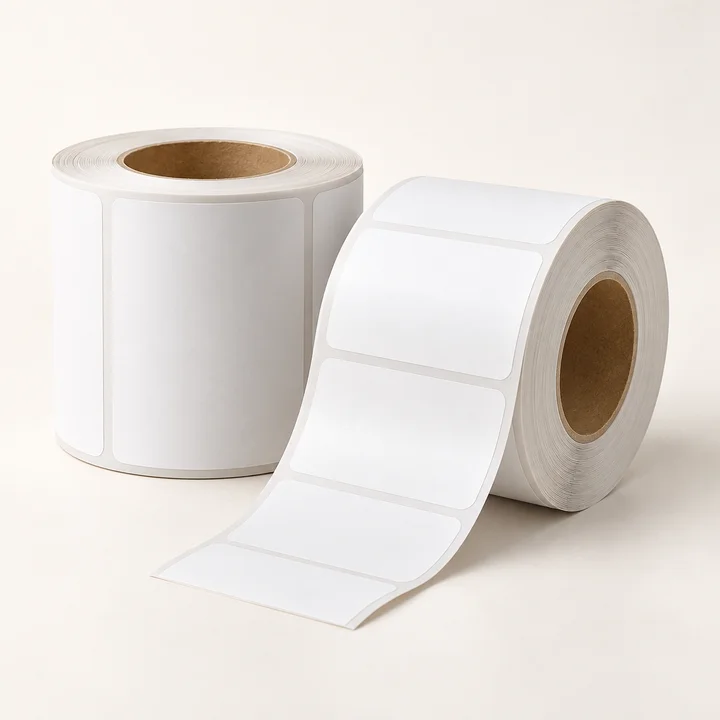
2 rolls · 1,000 labels per roll
£26.40 inc VAT
View specification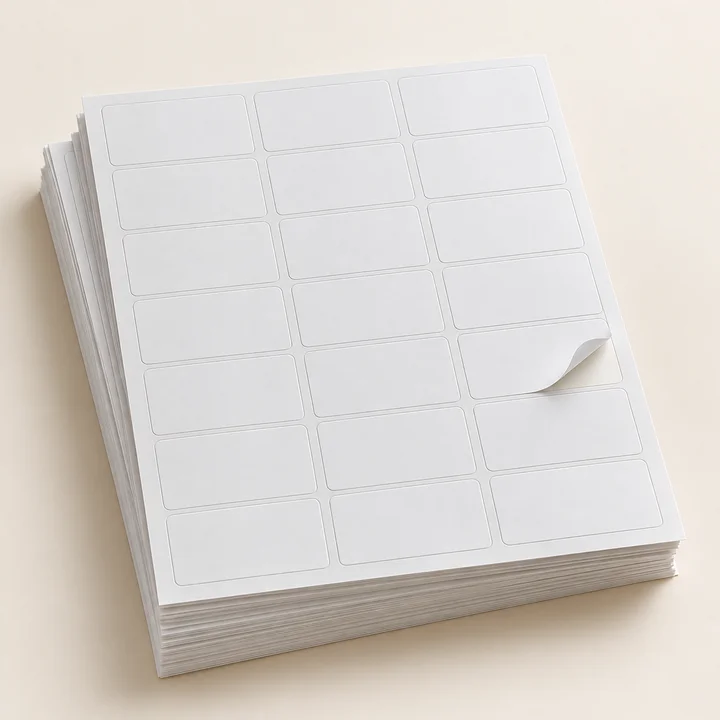
100 sheets · 21 labels per sheet
£21.60 inc VAT
View specification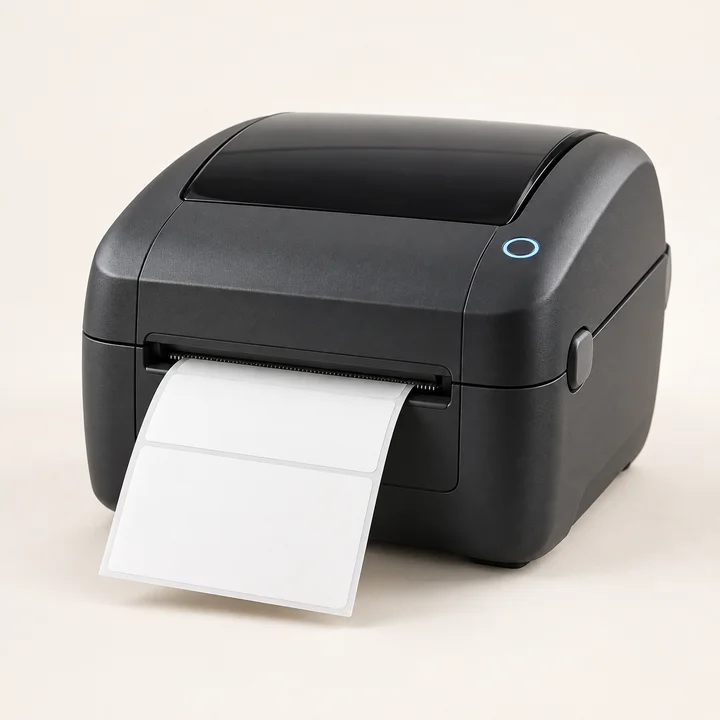
Printer · USB · power supply
£298.80 inc VAT
View specification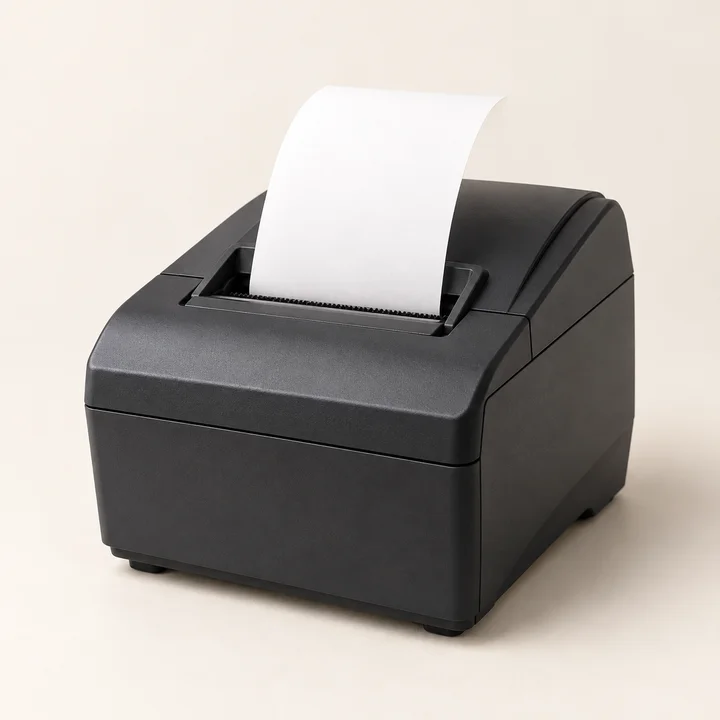
Printer · power supply
£226.80 inc VAT
View specification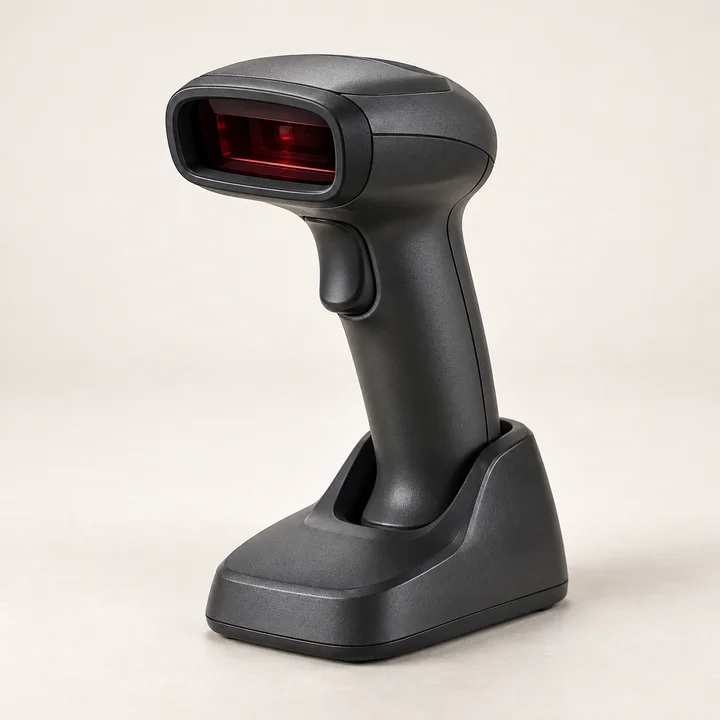
Scanner · desktop stand
£106.80 inc VAT
View specification2 rolls · 1,000 labels per roll
£30.00 inc VAT
View specification